
1. When you need dedicated software (vs a basic fiscal printer)
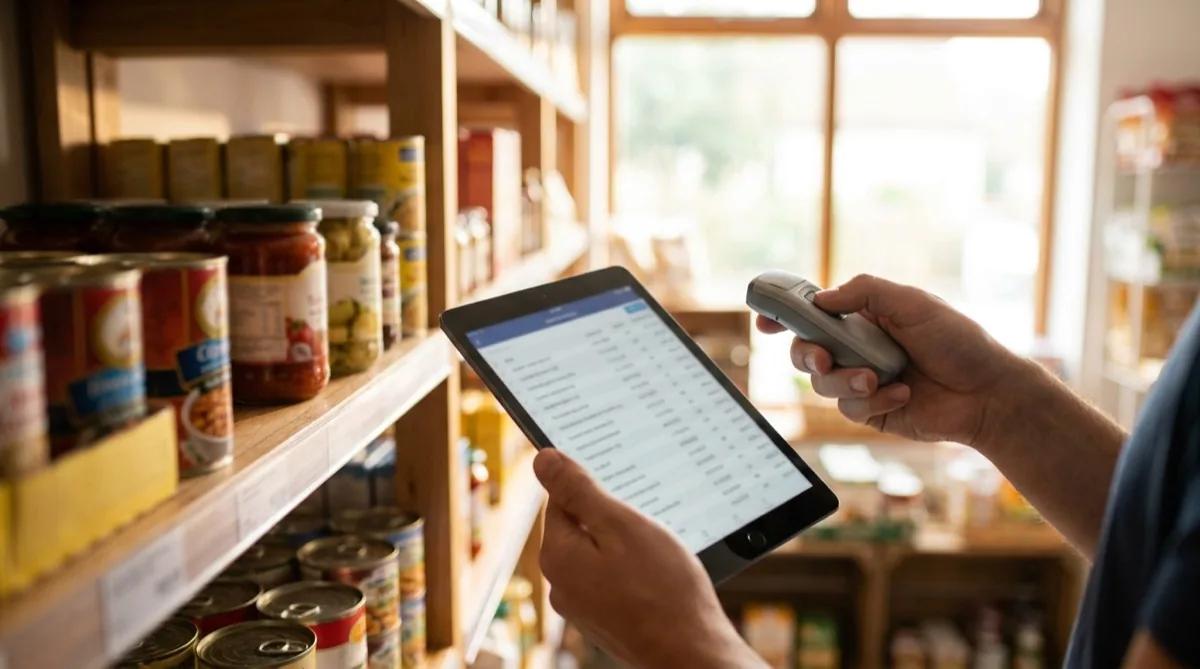
A fiscal printer handles your receipts and reports them to ANAF — but it tells you nothing about your business. If you check 2+ of the statements below, you're past the point where a basic fiscal printer is enough:
- Stock doesn't match reality. You count and find differences worth hundreds of euros. You don't know where the merchandise goes — to consumption, waste or theft.
- Goods receipt takes hours every day. You type every barcode from the invoice by hand. Then you type the prices again on labels.
- Shelf prices don't match the register. You change a price in the system, but it's 2 days before new labels are printed. Customers complain about the gap.
- You can't quickly answer "which product sells best?" or "what's the margin on category X?" without losing an hour.
- You have 2+ locations and each one has its own Excel, its own stock, with no sync.
- You issue B2B invoices manually in another program — then upload them separately to e-Invoice / SPV.
Store-specific software pays for itself in three ways: reducing losses (you see exactly what comes in and goes out), saving time (semi-automated goods receipt and label printing) and better decisions (daily data, not monthly).
2. 7 essential features for a store
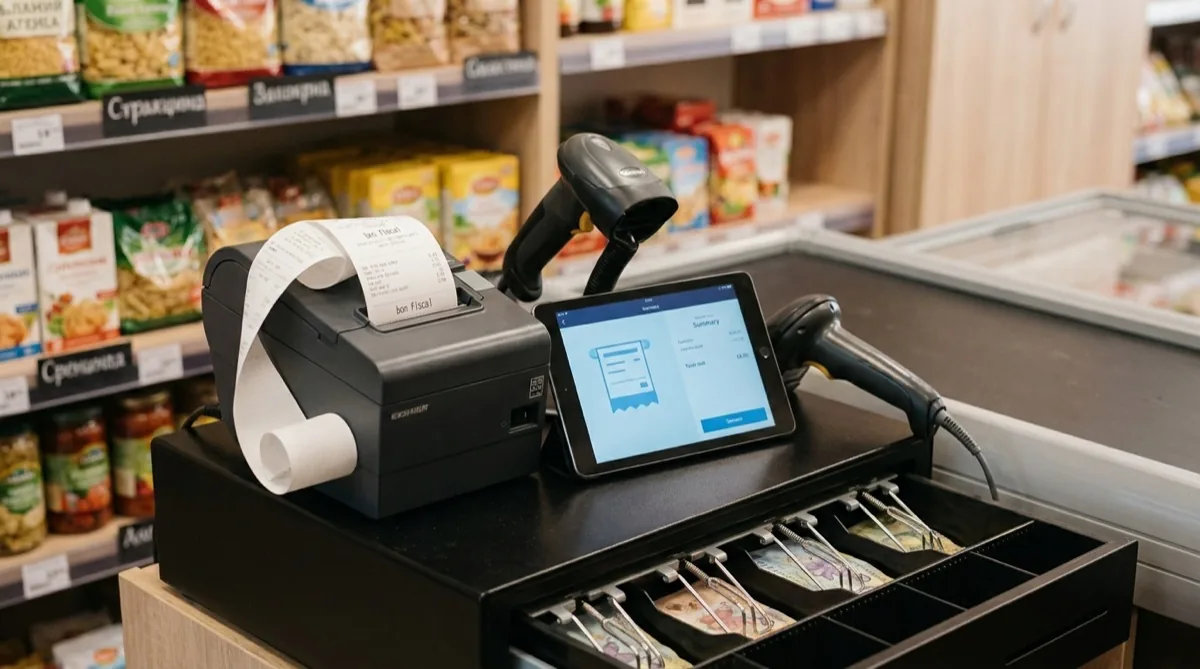
Many tools are "universal" — partially adapted for retail. That means the basics exist, but each one is 30–50% less efficient than in a purpose-built tool. These are the 7 features a store-focused tool must have:
- Fast POS with a barcode scanner — Scan, the product appears, the total updates. Every operation (void, discount, gift card, split bill) at most 2 taps away. If the POS forces you to navigate menus for a void, you've already lost 30 seconds × 100 sales/day = 50 minutes a day.
- Product catalog management with thousands of items — Direct import from Excel, or scan the barcode → the product auto-fills (name, category, VAT, image). Without this, building the catalog can take weeks.
- Multi-location with synced stock — You sell in location A, stock decrements automatically. You see stock in each location in real time. You move stock between stores in one click. For chains of 2+ stores, this is the difference between chaos and control.
- Goods receipt from supplier invoices (PDF/XML) — Your supplier sends the e-Invoice. The software reads products and quantities, populates the catalog automatically. No more typing 80 line items by hand.
- Auto-generated shelf labels — You change a price in the system, generate labels for every changed product, print in one job. For larger chains: integration with electronic shelf labels (ESL).
- Sales reports by category, hour, day — Which product sells best on Monday morning? Which category has the highest margin? Which "sleeping" SKU has been tying up stock for 6 months? Informed decisions, not gut feel.
- ANAF e-Invoice / SPV + ANAF-approved fiscal printers — Fiscal receipts are issued straight from the POS, the printer reports to ANAF automatically. B2B invoices go straight into SPV. Zero duplicate work, zero penalty risk.
3. 5 hidden costs to check before you buy

The price on the website is rarely the price you actually pay 6 months in. Ask before signing:
3.1. Modules billed separately
Many tools show €12–€20/month on the pricing page — that gets you the base POS. For advanced inventory: +€10–€16. For e-Invoice: +€8. For multi-location: +€20 per extra location. For advanced reports: +€10. Real total: €50–€70/month. Ask for the price with every module included.
3.2. Setup and catalog onboarding fee
For a store with 1,000–3,000 products, initial setup is serious work: catalog import, category definitions, prices, labels, fiscal printer integration. Some vendors bill it separately — between €160 and €400. Ask: "What is the total cost to get started — with setup, training, catalog import, integrations?"
3.3. Long-term contract
Many vendors require a 12–24 month commitment. If you don't like the software after 3 months, you keep paying so you don't lose the data locked inside. Look for contract-free options — monthly billing, stop when you want.
3.4. Mandatory hardware
Some tools bundle a fiscal printer, scanner, receipt printer and cash drawer — all at marked-up prices (20–40% above market). Ask: "Can I use my own fiscal printer (X, Y, Z) and a standard USB scanner?" — if the answer is no, that's a signal you're locked into their ecosystem.
3.5. VAT on the subscription
Check the final invoiced price — what actually leaves your bank account each month. A "€40" list price can become €48 if the vendor is VAT-registered. At Conexa, prices are transparently listed net of VAT (+ VAT), billed with a full tax invoice by POINT OF BUSINESS SOFTWARE S.R.L. (VAT ID: RO36849440).
4. How to evaluate a tool in 30 minutes
You don't have time to test 5 tools for 2 weeks each. Here's a quick method:
6 questions to ask in the demo
- "Show me a complete sale (scan 5 products, 10% discount, card payment, fiscal receipt) in 30 seconds." — tests real POS speed.
- "How do I import my 1,500-product catalog from Excel? Can I see the import live?" — tests flexibility.
- "If I get a 50-line supplier invoice in PDF, how do I process it?" — tests goods-receipt automation.
- "How do I integrate the fiscal printer (model X) and ANAF e-Invoice / SPV?" — tests fiscal compatibility.
- "Can I close the account anytime and download all my data (Excel, CSV, standard format)?" — tests independence.
3 checks you can do without a demo (from their website)
- Real reviews on Google Maps (if they have an office), entrepreneur forums, "Retail Romania" Facebook groups. Filter by 2–3 stars — that feedback is the most honest.
- Terms and conditions — read for 5 minutes. Look for clauses on termination, minimum contract length, data lock-in at termination, unilateral price changes.
- Who runs the company — look up the tax ID on lista.gov.ro. How old is the company? What's the turnover (serious company vs risky startup)? Any legal issues?
5. Why support matters more than you think
You use management software every day. When something goes wrong — and it will — 80% of the experience comes down to how the support team responds. Check:
- Romanian-language support. Sounds obvious, but many international tools (or local tools with outsourced support) only offer English or a chatbot. When you have a queue at the register and the POS isn't printing receipts, you need someone who understands both "ANAF-approved fiscal printer" and "receipt journal."
- Operating hours. Your store is open on weekends, possibly late into the evening. Is support available then?
- Channels. Phone = fastest for urgent issues. Chat = good for simple questions. Email = for complex matters. Check all three.
- SLA — guaranteed response time. For critical issues (POS down, fiscal printer locked), expect under 1 hour during business hours. Under 4 hours on weekends.
6. Frequently asked questions
How much does a complete store software cost?
Realistically, €40–€80/month for a single location with all features (POS, inventory, goods receipts, reports, e-Invoice). Below €30 is suspicious (modules missing). Above €120 for a single location is too much (probably corporate features you don't need).
Can I use the tablet or laptop I already own?
With a modern tool, yes. Look for a cloud solution accessible from the browser, or a mobile app (iOS/Android). Older tools that require a local Windows install are outdated and fragile.
How long does migration from my old tool take?
With a catalog exported from the old tool: 2–3 days for setup + training. The full transition (team using it fluently): 1–2 weeks. Pick a tool that supports direct import and doesn't require manual re-entry of thousands of products.
Does it have to integrate with ANAF / e-Invoice / fiscal printers?
Yes, both. Since 2024, B2B invoices are mandatory through SPV (e-Invoice). Fiscal printers must be ANAF-approved (connected to ANAF). The software must integrate both automatically. Ask explicitly: "Is your software compatible with ANAF e-Invoice / SPV for my B2B invoices, and with my fiscal printer (e.g. Datecs DP-25)?"
What happens to my data if I close the business or switch vendors?
Look for software that lets you fully download your data (catalog, sales, stock, B2B customers) in a standard format (Excel, CSV). That way your data stays yours even if you switch providers. Check the Terms & Conditions for "retention" or "data export fee" clauses.
Want to see how Conexa handles each of these?
Book a 20-minute demo with a specialist who has set up hundreds of stores. No pressure, no hard sell — we just show you what changes for your business.
Book a demoRead next
- Tablet POS for stores — hardware and compatible fiscal printers
- Guide: How to choose POS software for a restaurant
- Guide: How to choose software for a bakery / pastry shop
- Retail — all Conexa features for stores
Guide written by the Conexa team, based on experience built since 2014 with over 1,200 businesses in Romania. Conexa is POS + inventory software built for retail.