
1. When you need dedicated software (vs Excel + notebook)
Many restaurant owners get by for years with a notebook, Excel or a simple POS with no inventory. It works — until it doesn't. The clear signs you've crossed that line:
- Stock no longer makes sense. You buy supplies thinking you're low when you're not. Or the opposite — you run out of essential ingredients on a busy weekend.
- Food cost is a guess. You know sales are good, but at the end of the month the surprise hits — profit is lower than you expected.
- The daily report takes you 30+ minutes. You collect paper slips, pull totals from the POS, reconcile against the fiscal printer, then adjust.
- You have 2+ locations and each one has its own Excel, its own stock, its own product list.
- You can't quickly answer "what sold best last week?" without digging through notebooks.
If you tick 2+ of these, it's time. A good management tool pays for itself through reduced waste (better food cost) and the better decisions you make once you have real-time data.
2. 7 essential features for a restaurant
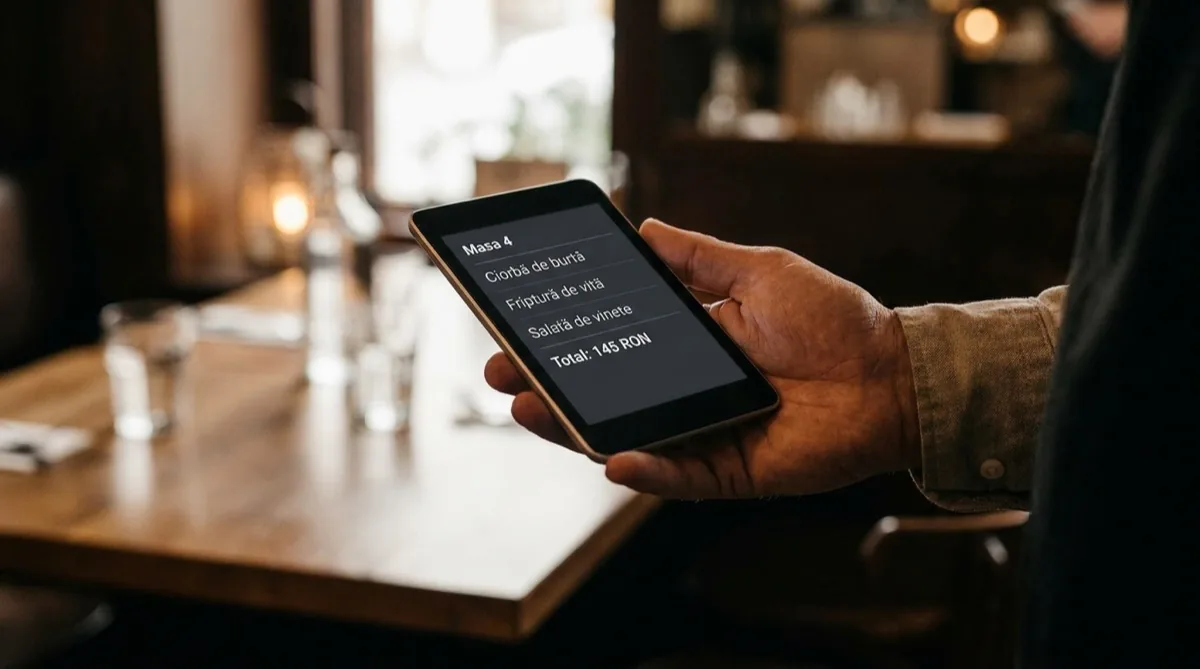
Many tools are generic — built to fit any business. That sounds flexible on paper, but in practice it means none of the features that actually matter for a restaurant are very good. These are the 7 features a restaurant-focused (HoReCa) tool must have:
- Fast table-aware POS, with modifiers and notes — Your server needs to send an order in 10 seconds. With options for "no onion," "well done," "split bills." If the POS forces more than 3 taps per item, it's too slow for rush hour.
- Recipes with automatic food cost — For every dish, you define ingredients and grams. The tool calculates production cost and margin on its own, using current ingredient prices. Without this, you're blind to profit per dish.
- Ingredient inventory with compound units — You buy tomatoes by the kg but use 50g in a salad. You buy wine by the 750ml bottle but sell it by the 150ml glass. The tool must do the conversion automatically and decrement stock correctly.
- Real-time, multi-location inventory — Sell a Caesar salad at table 4 → chicken, romaine, parmesan and egg stock all decrement automatically. At the end of the day, you see exactly what to order tomorrow.
- Sales report by dish — What's selling best? Which dish has the highest margin? What sells in the morning vs in the evening? That data reshapes the menu — you cut the unprofitable dishes and push the winners.
- Integration with fiscal printers and e-Invoice — Fiscal receipts are printed directly from the POS (no manual re-keying). B2B invoices are generated automatically in ANAF SPV / e-Invoice. Without this, you double the daily admin work.
- Mobile app for the owner — You see today's sales on your phone, from any location, without setting foot in the restaurant. With 2+ units, this is the difference between running the business and being stuck in it.
3. 5 hidden costs to check before you buy
This is where half the decision lives. The price on the website is rarely the price you actually pay 6 months in. Ask before signing:
3.1. Modules billed separately
Many tools show €10–€16/month on the pricing page. That price gets you the base POS. To get recipes, you need the "Food Cost" module (+€12). For e-Invoice, the "ANAF module" (+€8). For advanced reports, the "Analytics module" (+€10). Real total: €40–€50. Ask for the price with every module included.
3.2. Setup and initial configuration fee
Usually not advertised. At some tools it's between €100 and €300 and it's mandatory. Ask: "What is the total cost to get started — including setup, training, catalog import?"
3.3. Long-term contract
Some vendors require a 1–2 year commitment. That means if you don't like the software after 3 months, you keep paying so you don't lose the data locked inside. Look for contract-free options — monthly billing, stop when you want.
3.4. Mandatory hardware from the vendor
A handful of tools bundle in a €400–€800 mandatory POS device. The reasonable thing is to use the tablet or laptop you already own. Ask: "Can I use my own hardware (tablet, laptop), or do I have to buy it from you?"
3.5. VAT on the subscription
Watch out for prices shown net of VAT. A "€40" listed price can mean €48 leaving your account if the vendor is VAT-registered. Check the final invoiced amount — what actually leaves your bank account each month.
4. How to evaluate a tool in 30 minutes
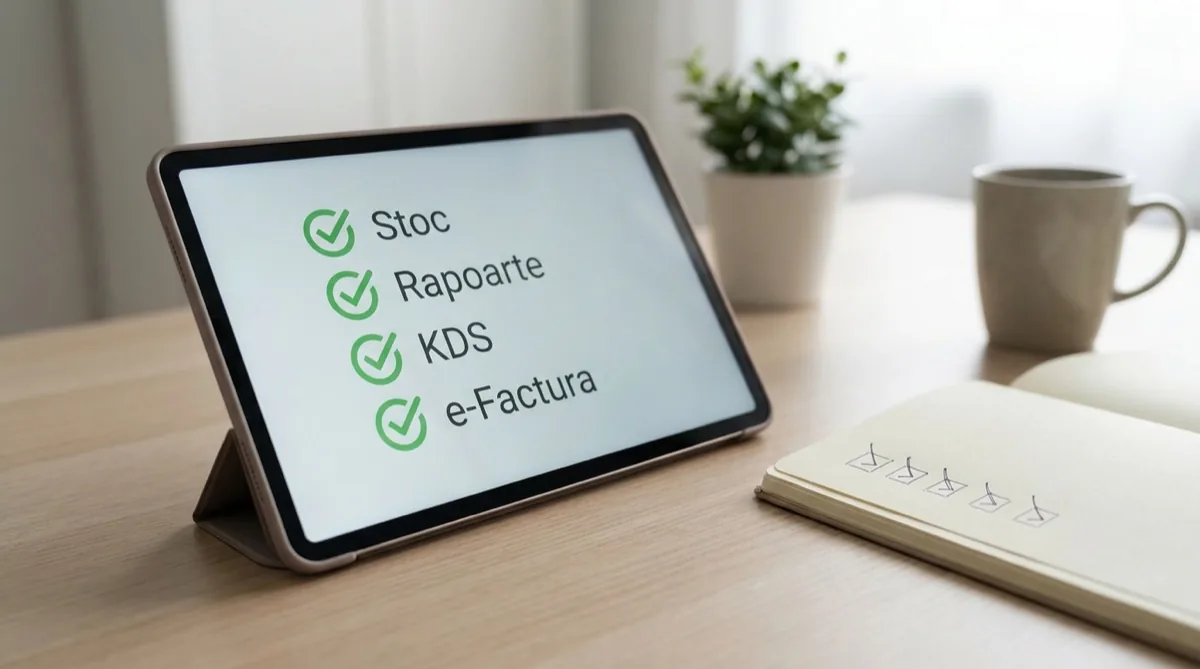
You don't have time to try 5 tools for 2 weeks each. Here's a quick filtering method:
6 questions to ask in the demo
- "Show me how to enter a complete order (table, items, modification, close) in 30 seconds." — tests POS speed.
- "How does the software calculate food cost for a recipe with 8 ingredients?" — tests recipe management.
- "If I change the purchase price of meat from €5.60 to €7/kg, how does that show up in my dish margins?" — tests automation.
- "How do I pull the report for my accountant at month-end?" — tests integration.
- "Can I close the account anytime and download my data?" — tests independence.
3 checks you can do without a demo (from their website)
- Real reviews on Google or in entrepreneur forums (RoBusiness, Reddit r/Romania, Facebook groups). Look for 2–3 star reviews — they're the most informative.
- Terms and conditions — read for 5 minutes. Look for clauses on termination, data lock-in, unilateral price changes.
- Who runs the company — look up the tax ID on lista.gov.ro. How old is the company? Are they VAT-registered? Any legal issues? (many young companies with immature products disappear in 2–3 years and take your data with them).
5. Why support matters more than you think
You use the software every single day. When something breaks (and it will), 80% of the experience comes down to how fast someone responds. Check:
- Romanian-language support. Sounds obvious, but many international tools only offer English support or a chatbot. When you have a queue at the register and the POS isn't working, you need someone who understands both "fiscal receipt" and "general ledger."
- Operating hours. Your restaurant is open on weekends. Is the support team available then?
- Channels. Phone is fastest. Email is good for complex issues. Chat is fine for simple questions. Check all of them.
- SLA — the guaranteed response time. For critical issues (POS down) it should be under 1 hour during business hours.
6. Frequently asked questions
How much does a complete restaurant software cost?
Realistically, between €40 and €80 per month for a single location if you include POS + inventory + recipes + food cost + reporting. Below €30 is suspicious (modules missing). Above €100 for a single location is too much (you're probably paying for corporate features you don't need).
How long does it take to switch from my current tool?
With a product catalog imported from Excel: 1–2 days for setup and training. The full transition (with every server trained) takes 1–2 weeks. Pick a tool that supports direct import and doesn't require you to re-enter 800 products by hand.
Can I use the tool on the tablet I already own?
With a modern tool, yes. Look for a cloud solution accessible from the browser or with iOS/Android apps. Older tools that require a local Windows install are already outdated.
What happens if I close or sell the restaurant?
Look for software that lets you fully download your data (customers, sales, recipes, stock) in a standard format (Excel, CSV). That way your data stays yours even if you switch providers.
Does it have to integrate with ANAF / e-Invoice?
Since 2024, B2B invoices are mandatory through e-Invoice. For receipts, the fiscal printer has to be connected to ANAF in real time. The software must support both, automatically. Ask explicitly: "Is your software compatible with ANAF e-Invoice / SPV and with ANAF-approved fiscal printers?"
Want to see how Conexa handles each of these?
Book a 20-minute demo with a specialist who has set up dozens of restaurants. No pressure, no hard sell — we just show you what changes for your business.
Book a demoRead next
- Guide: How to choose POS software for a retail store
- Guide: How to choose software for a bakery / pastry shop
- HoReCa — all Conexa features for restaurants
- Tablet POS — hardware guide (Android, iPad, ANAF-approved fiscal printers)
Guide written by the Conexa team, based on experience built since 2014 with over 1,200 businesses in Romania. Conexa is POS + inventory software built for restaurants.