
1. Why tablet POS (vs a classic system)
Five years ago, "POS" meant a rugged PC under the counter, a checkout monitor, a numeric keypad and wires running everywhere. The hardware alone cost €800–€1,200, plus a locally installed software license. If the PC went down, customers queued at the till until somebody arrived to fix it.
Tablet POS changes the equation. An Android tablet or iPad replaces both the PC and the monitor; a Bluetooth scanner replaces the wired USB scanner; a wireless thermal printer replaces the classic printer. And the software runs in the cloud — you sign in with an account, no install.
For a mid-sized store (300–3,000 SKUs), the practical upside:
- 50–70% lower upfront cost. €300–€700 total hardware instead of €800–€1,200.
- Mobility. Pick up the tablet and do inventory in the aisles, scanning codes directly. Receive goods in the back room without moving stock to the till.
- Free backup. If the main tablet fails, open the app on any other tablet or phone with your account and keep selling. The data sits in the cloud, not on the device.
- Automatic updates. The app updates itself. No more calling a technician to install the new version on the PC.
- Multi-location from day one. A single app works on as many tablets and stores as you want — all synced.
The only piece of dedicated fiscal hardware you still need is the fiscal printer — required to issue ANAF-reported tax receipts in Romania. The tablet doesn't replace it; it connects to it.
2. What hardware you need
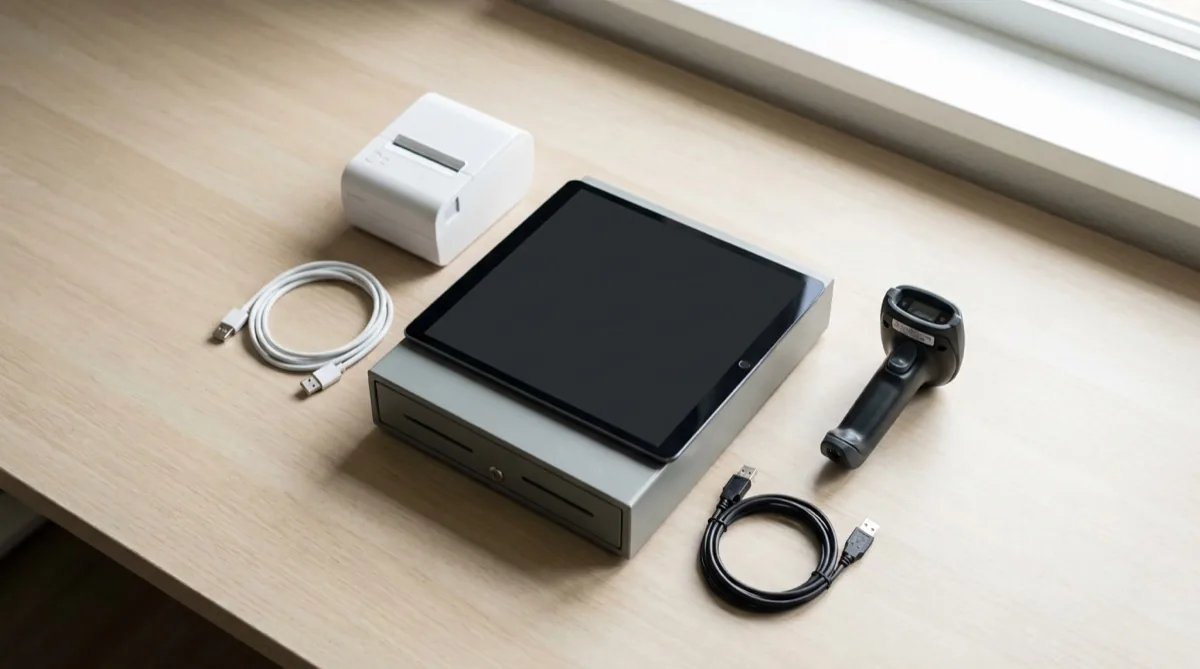
For a working tablet POS you need 4–5 components. Many owners already have half of them.
- Tablet (Android 9+ or iPad with iPadOS 14+) Recommended: 10–11 inch screen (larger = fewer mistaps), at least 3 GB RAM, 8+ hours of battery. Good models: Samsung Galaxy Tab A9+, Lenovo Tab M11, iPad (gen. 9 or 10). Indicative price: €140–€360.
- Barcode scanner (Bluetooth or USB-OTG) Most common in retail: a 2D Bluetooth scanner (1D codes + QR). Common models: Datalogic QuickScan QBT, Honeywell Voyager 1602g, generic Inateck BCST. Works at 5–15 metres from the tablet. Price: €50–€140.
- Receipt / invoice printer (optional) If you sell B2B and issue invoices on the spot — an 80mm thermal printer with Bluetooth or LAN. Models: Epson TM-T20III, Star TSP100, Xprinter XP-T80. Tax receipts printed by the fiscal printer don't need a separate device. Price: €80–€160.
- Cash drawer (optional, with key) Opens automatically when the receipt prints, via a cable (RJ11/RJ12 from the receipt printer or fiscal printer), or manually with the key if you only take cards. Price: €40–€80.
- Fiscal printer (ANAF-approved) Legally required — only an ANAF-approved fiscal printer can issue tax receipts reported to ANAF. See the compatible-models section below. Price: €200–€500, plus €20–€30/year for ANAF reporting.
3. Fiscal printers compatible with tablet POS
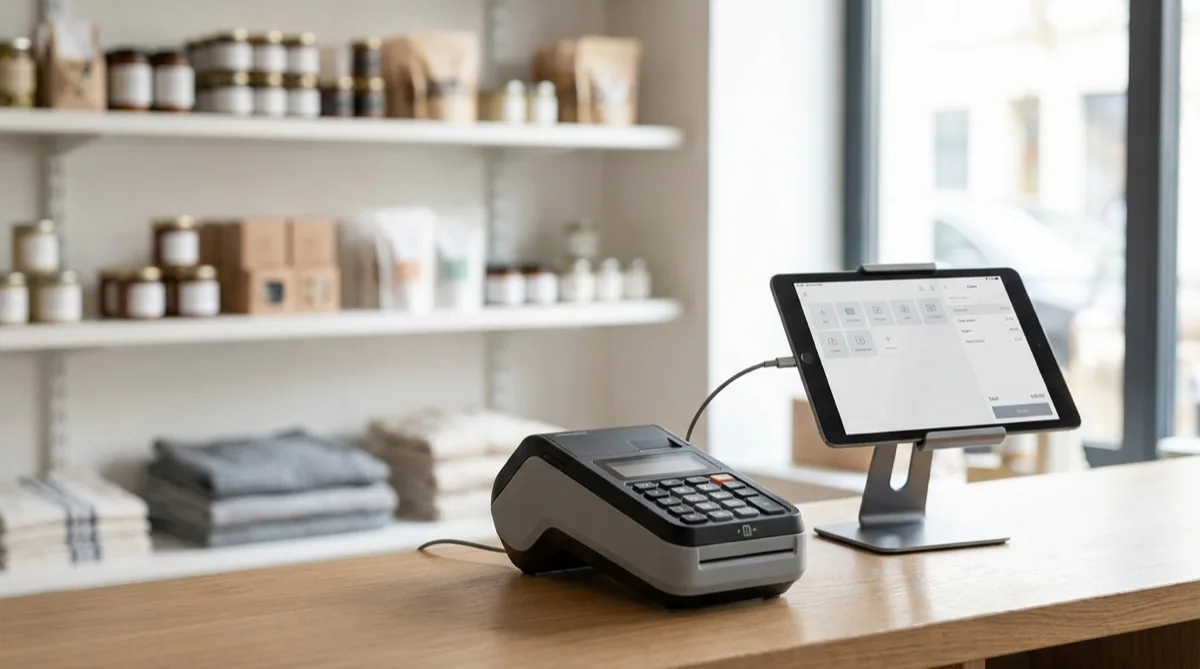
All fiscal cash registers legally sold in Romania are ANAF-approved (connected to the tax authority). The difference between models is how they connect to the tablet: Bluetooth, USB-OTG, LAN/WiFi or via a serial cable with adapter. Conexa works with every major brand.
| Manufacturer | Common models | Connection | Conexa |
|---|---|---|---|
| Datecs | DP-25, DP-50, FMP-10, WP-50 | Bluetooth, LAN, USB | Yes |
| Tremol | M20, S20, ZM, FP30 | Bluetooth, LAN, USB | Yes |
| Custom | Kube II, K3, Q3X | USB, LAN | Yes |
| Daisy | Compact M, Perfect M | Bluetooth, USB | Yes |
| Activa | Compact, Plus | Bluetooth, USB | Yes |
| Eltrade | A3, A1, B1 | Bluetooth, LAN | Yes |
If you already own a fiscal printer from the list above, keep using it — Conexa connects to it with no further changes. If you're starting from scratch, our recommendation for a mid-sized store is the Datecs DP-25 or Tremol M20: stable Bluetooth connection, internal battery, competitive price (€220–€280).
4. The features that actually matter
Running on a tablet doesn't help if the software itself is slow or incomplete. These are the features you must test at a demo:
- One-tap speed for high-runners Bread, milk, water, cigarettes — your daily items should be a single tap, not four clicks. A grid of favorite products, plus quick search + scanner = several minutes saved per cashier, every day.
- Instant sync between tablets With 2 tills on separate tablets, a sale on one drops stock on both immediately. No waiting for an end-of-day "sync". For stores with 2+ tills, that's the difference between control and chaos.
- Goods receipts from the tablet Scan the PDF/XML invoice from your supplier and the products land straight into stock with barcode and price. For a goods receipt note with 50–100 lines, that's minutes instead of hours.
- Romanian e-Invoice from the POS Customer asks for an invoice? Issue it on the tablet, it goes through ANAF's SPV automatically. No separate tool, no manual export.
- Daily reports on your phone Sales today, margin by category, top products — see the data from anywhere, without being on-site. Tablet and phone use the same account.
5. What it costs to start — real numbers
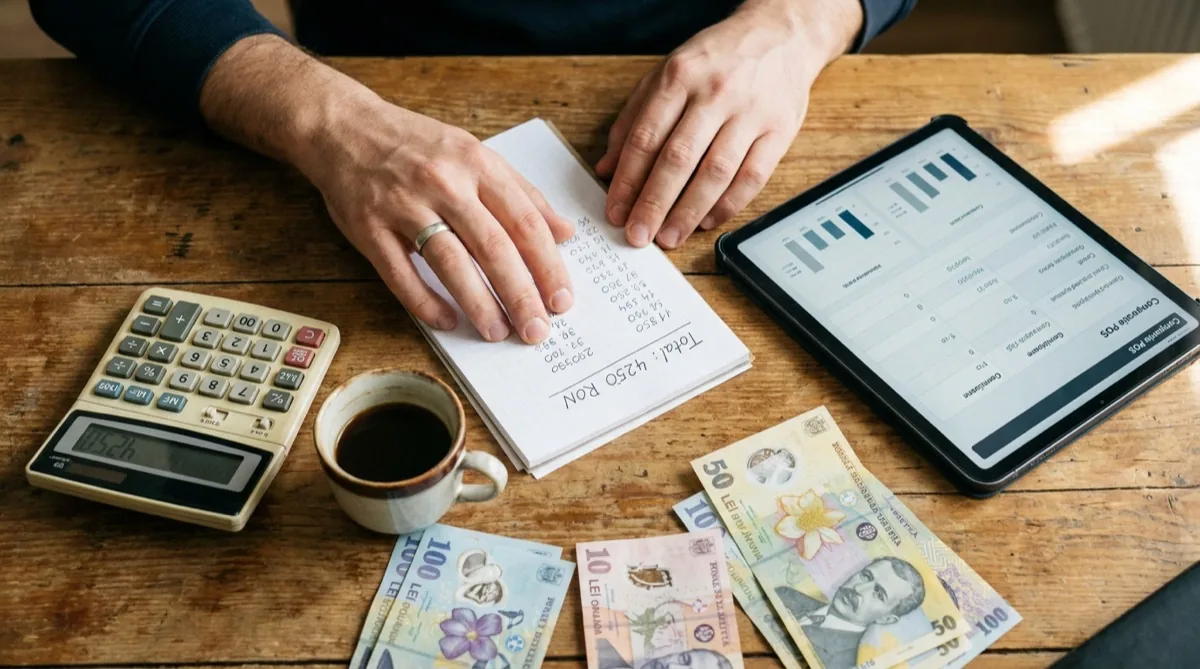
Two concrete scenarios: minimum setup (a neighborhood store) and full setup (a mini-market or larger grocery store).
5.1. Minimum setup — neighborhood store (1 till)
| 10" Android tablet (Samsung Tab A9+ or equivalent) | €180 |
| 1D Bluetooth scanner (Inateck or similar) | €50 |
| Fiscal printer (Datecs DP-25 or Tremol M20) | €240 |
| Conexa Standard subscription (monthly, first year) | Custom quote |
| Total hardware one-off: | €470 |
5.2. Full setup — mid-sized grocery or mini-market (2 tills)
| 2 × 10" tablet (1 backup) | €360 |
| 2 × 2D Bluetooth scanner | €160 |
| 2 × fiscal printer (Datecs DP-25) | €480 |
| 2 × receipt printer for B2B invoices | €240 |
| 2 × cash drawer | €100 |
| Conexa Pro multi-location subscription | Custom quote |
| Total hardware one-off: | €1,340 |
Compare with a classic turn-key POS system from many integrators: €1,800–€2,800 for the same kind of store, plus €56–€90/month with no option to cancel without a contract. The difference on the full setup is roughly €600–€1,400.
6. Frequently asked questions
Can I use the tablet I already own?
Yes, if it runs Android 9+ or iPadOS 14+ and has at least 3 GB of RAM. For a POS, we recommend using it dedicated — no games or other apps loading the memory. If the tablet is 5+ years old, you're better off buying a new one (€140–€180 for a model that will last 4–5 years).
Does it work on iPad or only on Android?
Both. Conexa runs in Safari/Chrome on iPad and has a native app on the App Store (link here). For Android, find it on Google Play (link here). Functionality is identical.
How many tablets can I connect to the same fiscal printer?
We recommend one tablet per fiscal printer, to avoid serial port / Bluetooth conflicts. If you have 2 tills in the store, you have 2 fiscal printers + 2 tablets. They all run on the same Conexa account with synced stock.
How long does initial configuration take?
For a store with 500–1,500 products: 2–3 hours. We import your catalog (Excel or export from your old software), configure the fiscal printer, set up users — and you're ready to sell. For stores with 3,000+ products or 2+ locations: 1–2 days, training included.
Can I use the tablet POS on the move (delivery, market, events)?
Yes, that's one of its big strengths. Take the tablet with a Bluetooth scanner and a battery-powered fiscal printer (Datecs FMP-10, Tremol S20, Daisy Compact M), connect the tablet via 4G SIM or a mobile hotspot, and issue tax receipts exactly as in the store. A common setup for stores doing home delivery or trade fairs.
Want to see exactly what Conexa looks like on a tablet?
20 minutes, online or on-site, no pressure. We'll walk you through the real flow — scan, sale, tax receipt, daily report — on the tablet of a Conexa store that's running right now.
Book a demoRead next
- Complete guide: How to choose POS software for a store
- Retail page — all Conexa features for stores
- Guide: How to choose POS software for a restaurant
- Guide: How to choose software for a bakery
Conexa is POS and business management software developed since 2014, with 1,200+ active businesses in Romania, many of them running on tablets.