
1. What's specific to a grocery store — why a generic tool isn't enough
A clothing or stationery store has products with long shelf life, a single VAT rate, stable prices and simple goods receipts. A grocery store is the exact opposite: perishable stock, multiple VAT rates, volatile prices and dozens of receipts per day.
In practice, here's what you find in a mid-sized grocery store (80–200 m² floor space, 800–2,500 SKUs):
- 15–30% of stock is perishable (dairy, meat, deli, bakery, produce). Each has its own per-lot expiry date.
- 3 VAT rates applied simultaneously: 5% (bread, milk, cheese, eggs, basic cooking oil), 9% (most food items), 21% (alcohol, sweetened drinks above the threshold, non-food).
- Daily deliveries with 80–150 lines from local suppliers (meat, vegetables, bakery), plus 2–3 large weekly deliveries (dairy, drinks, canned goods).
- Shelf labels that change often — weekly promotions, supplier price hikes, special markings.
- Weight-based sales for vegetables, cheese, meat and deli sliced in-store.
2. Lots with expiry dates — the only correct way to sell perishables
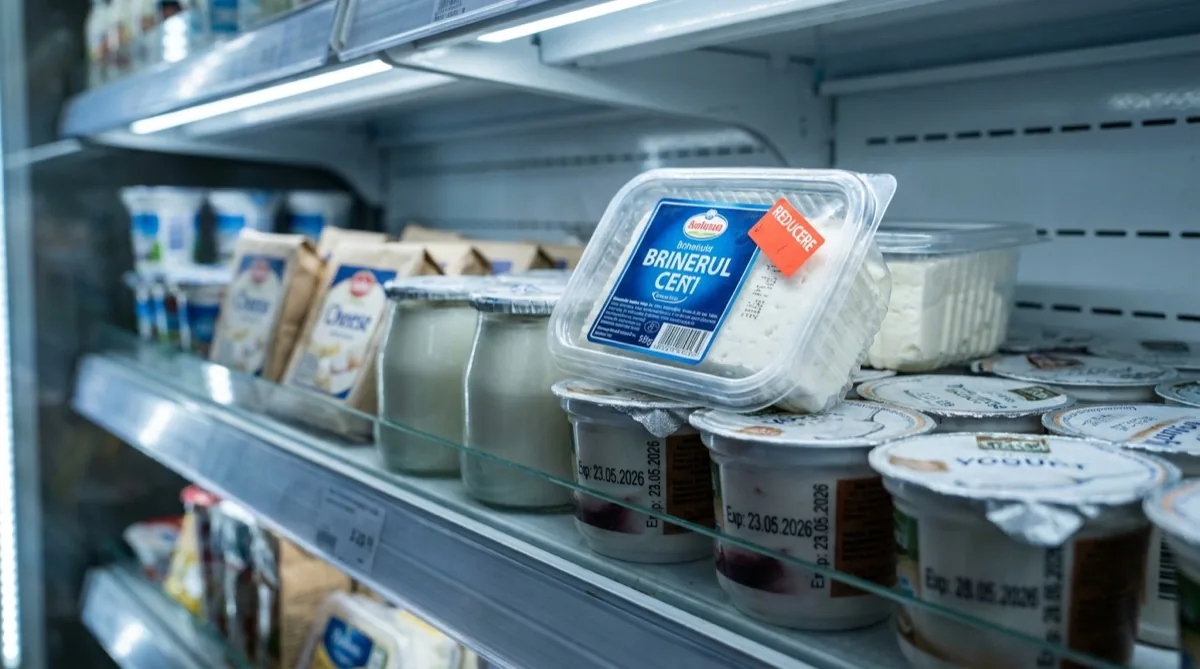
The classic mistake: you record "telemea cheese" as a single product with a single stock figure. Reality: you have 5 tubs received on Monday with a 28 May expiry and 8 tubs received on Thursday with a 4 June expiry. Those are different lots, not the same product.
How it should work
Every goods receipt creates a separate lot with its own expiry date. The stock for "telemea cheese" becomes the sum of active lots. At point of sale, the system applies FIFO (First In First Out) automatically — it discharges from the lot that expires earliest. Fresh stock stays on the shelf for the days ahead.
- Alerts at 7, 3 and 1 days before expiry The Dashboard shows products approaching expiry and their quantities. You decide: discount by 30%, return to supplier (where the contract allows it), or pull from the shelf.
- Daily morning email with items expiring today/tomorrow You get the email before opening. Before the first cashier walks in, you know exactly which items to mark down.
- Reports on shrinkage from expiry At month-end you see exactly how many RON you lost to expiry per category. You use that data to negotiate order sizes.
- Lot barcode for scales (EAN-128) For items weighed in store (meat, cheese), the printed label carries the lot. On sale, the right lot is debited — stocks don't get merged.
3. Multi-rate VAT — 5%, 9% and 21% on the same receipt
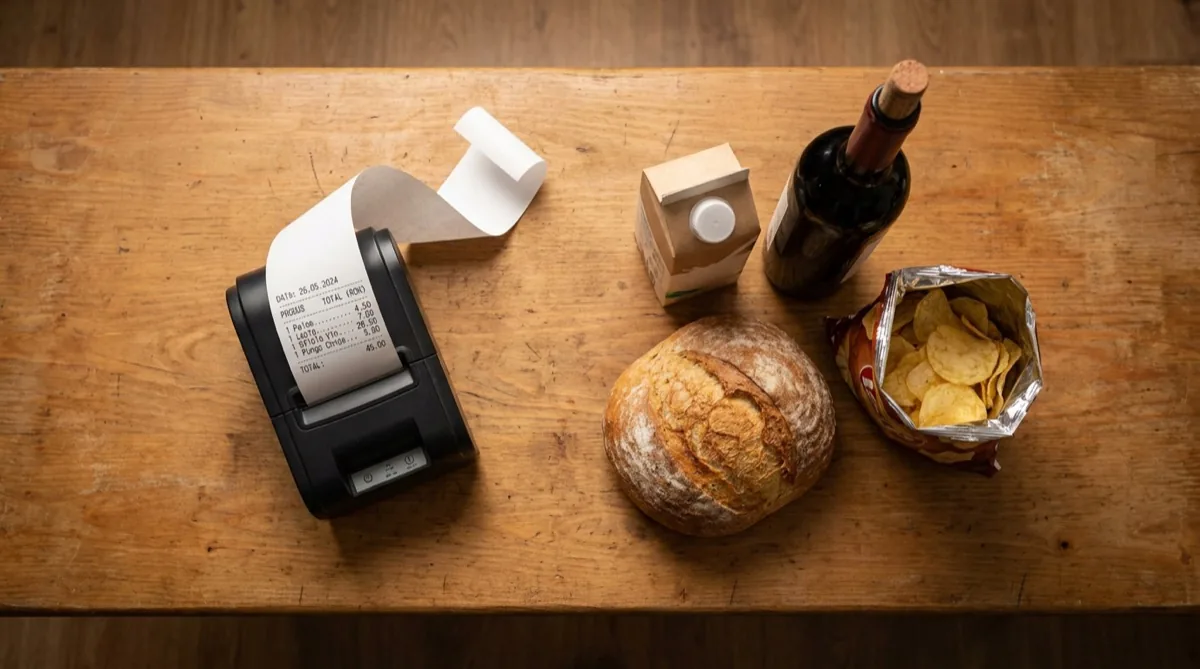
For a grocery store, VAT isn't a single rate. Here's how it applies under Romania's Tax Code updated for 2026:
| VAT rate | Main categories | Examples |
|---|---|---|
| 5% | Staples | Bread, flour, eggs, drinking milk, cooking oil, sugar, fresh fruit and vegetables |
| 9% | Processed food | Meat, deli, cheeses, canned goods, sweets below the sugar threshold, non-sweetened non-alcoholic drinks |
| 21% | Alcohol, sweetened drinks, non-food | Beer, wine, spirits, drinks sweetened above the threshold, tobacco, household items |
In practice, an average grocery-store receipt contains products from all 3 rates. The fiscal printer applies the correct rate automatically if the product is correctly coded in your catalog. Errors creep in when a new product is added in a rush with the wrong rate; correcting it later means reissuing the receipt and reconciling VAT.
- Rates pre-mapped per category When you create a new product, Conexa suggests a VAT rate based on the category (Bakery → 5%, Deli → 9%, Alcoholic drinks → 21%). You confirm or change it, but you start from the correct default.
- Monthly VAT report in one click For the VAT return, you generate a report broken down by rate (sales at 5%, 9%, 21%) and totals for output and input VAT. Send it to your accountant without doing math by hand.
- Alert on suspicious rates If a product coded at 5% shows margins typical of 21% in recent sales, the system flags it so you can double-check the coding (it may be wrong).
4. Special categories that need extra attention
In a grocery store, certain categories need extra attention because they generate most of the shrinkage and the complications:
Bread and bakery
High theoretical margin (50–70%), but high shrinkage (10–20%) from fast expiry (1–3 days). With dedicated software: daily orders adjusted on the basis of similar prior days, last-night's bread goes out at a reduced price the next morning (with an auto-printed label), and at the end of the day you know exactly how much bread you threw away and why.
Dairy
Expiry 5–14 days, sensitive to display-fridge temperature. Solution: lots with exact dates, alerts 3 days ahead, automatic FIFO rotation on sale. For more expensive yogurts and cheeses, you can switch on EAN-128 lot codes for full traceability.
Meat and deli
Sale by weight for fresh meat, per-piece sales for packaged deli. The two coexist on the same shelf. Dedicated software: the same product "pork tenderloin" has 2 variants — by kg (weighed sale, code 25xxxx) and per piece (pre-packaged, supplier EAN-13). Stock is tracked separately, but the margin report rolls up to the "pork" category.
Vegetables and fruit
Weekly price variability (10–40%), shrinkage from damage (5–15%). The system lets you change the sale price weekly based on the latest supplier invoice, without touching every label by hand — you update from the price list and print the affected labels in a batch.
5. Local suppliers and fast goods receipts
A grocery store works with 8–20 active suppliers: dairy distributor, meat distributor, local bakery, drinks distributor, non-food distributor, 2–3 local fruit-and-veg suppliers. Each delivers weekly or daily, each with their own invoice.
Without proper software: the goods receipt note is done manually from PDF or paper, line by line. For an 80-line invoice: 30–45 minutes. 2–4 invoices per day. Over a month, 50–80 hours of pure data entry.
With modern software that uses Romanian e-Invoice (e-Factura) and OCR:
- Automatic goods receipt from e-Invoice XML The supplier sends the invoice to ANAF SPV, Conexa downloads the XML automatically, matches products by code (EAN or supplier code) and creates the goods receipt. An 80-line invoice: 30–60 seconds.
- OCR reading for PDF invoices For suppliers still on PDF, you upload the file in Conexa, OCR reads the lines and suggests the goods receipt. You check and save. Time: 3–5 minutes for the same 80-line invoice.
- Smart supplier-product mapping The first time, you link the supplier code to your product ("PainAlba500g" → "White bread 500g"). From then on, the same item under the same code maps automatically.
- Per-lot purchase price update The system keeps the price history per supplier. You see immediately if someone has raised the price by 12% vs. last week — a fair question for the rep.
6. Shelf labels always correct
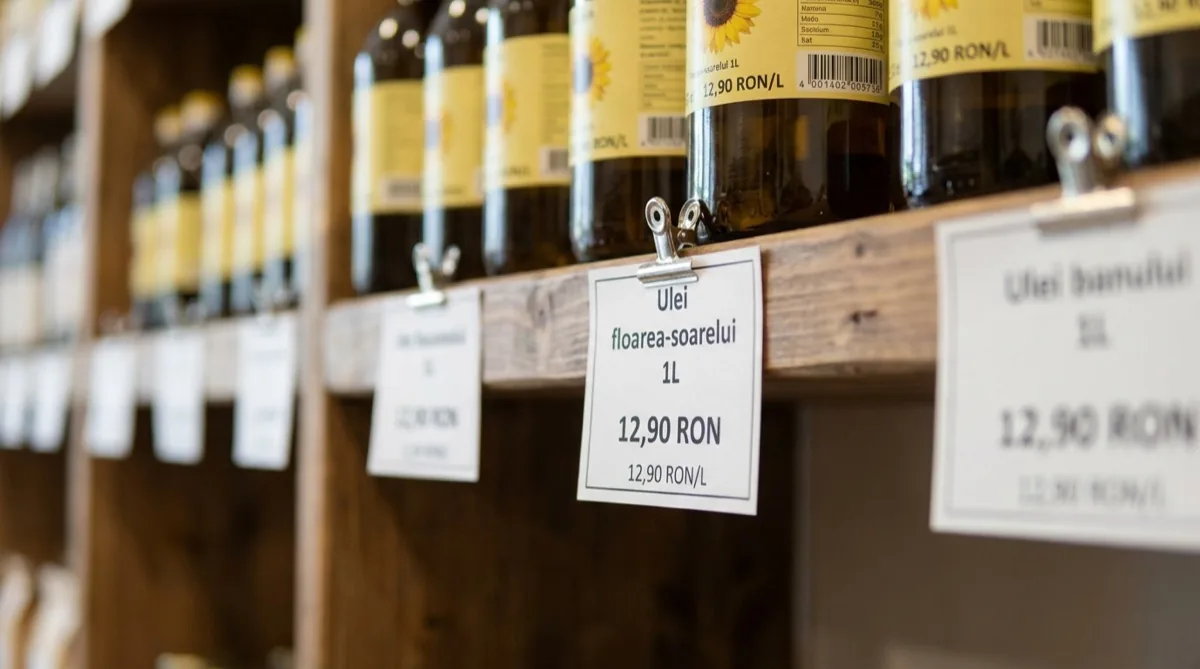
Romania's consumer-protection regulation (ANPC) requires shelf-price display for each product, plus unit price (RON/kg, RON/litre) for packaged goods. Inspections in grocery stores are frequent, and fines start at 2,000 RON per breach.
The real challenge: prices change often. A new invoice comes in on Monday, the purchase price is higher, your margin lets you raise the sale price. But the shelf labels are still old. If you forget to print and place them, you either eat the margin (selling too cheap) or get cited at an inspection (displayed price ≠ till price).
How Conexa handles it
- You update the price in Conexa (manually or on goods receipt from an e-Invoice).
- The system automatically flags the product as "needs label reprint".
- In Modules → Labels, you see the list of products with outdated labels.
- One click selects them all, you print to the label printer (Zebra, TSC, Godex) or onto A4 with a predefined template.
- You replace them on the shelf. The system remembers they've been printed; next time, the list only shows new changes.
For 30 products updated weekly, the whole process takes 2–3 minutes. Labels include name, price, price/kg or price/litre (calculated automatically from the package size), and a barcode for till scanning.
7. How to cut shrinkage by 30–40% in the first 3 months
"Shrinkage" in a grocery store means everything that doesn't sell but costs you money: expired stock thrown out, shelf theft, scale errors, undocumented short deliveries, inventory gaps. In a typical store, shrinkage runs at 4–7% of revenue. For a €17,000/month store, that's €680–€1,190 thrown away every month.
The highest-impact levers, in priority order:
- 1. Per-lot expiry alerts (impact: -40% expiry shrinkage) 3–7 days before expiry, each lot is flagged. You decide proactively: promo, return, pull. Stock stops sitting on the shelf until the deadline and ending up in the bin.
- 2. Weekly partial inventories by category (impact: -50% theft and inventory shrinkage) Instead of a full quarterly count (by which point you've already lost 3 months of data), you do one category per week (meat Monday, dairy Tuesday, produce Wednesday, etc.). Discrepancies show up in 7 days, not 90. Theft becomes visible far sooner.
- 3. Visible per-product margin at point of sale (impact: -2% below-cost sales) On every till sale, the system calculates the real margin based on the latest lot price. The Dashboard shows products that have been sold below cost (because a higher-priced invoice wasn't recorded in time).
- 4. Automatic delivery–invoice reconciliation (impact: -1% loss from short deliveries) On receipt, you scan codes or check quantities. The system compares against the invoice: if 2 cheese tubs are missing, you see it immediately and file a complaint before approving payment.
Stacking the 4 levers, total shrinkage reduction in the first 3 months is 30–40% of the original volume. For a €17,000/month store with 5% shrinkage (€850/month), the saving is €260–€340/month — more than covering the management software subscription.
8. Frequently asked questions
Why do I need software built for grocery stores specifically?
A grocery store has specifics a generic tool ignores: perishable products with per-lot expiry dates, VAT at 3 different rates, shelf prices that change often, supplier deliveries with dozens of lines, weight-based sales. Software built for the job covers all of this without workarounds and without forcing you to keep parallel data in Excel.
How does management software cut shrinkage in a grocery store?
Four levers: 1) Per-lot expiry alerts 3–7 days ahead — you promote or pull items in time. 2) Weekly partial inventories per category — discrepancies show in 7 days, not 90. 3) Visible per-product margin — you immediately see if you're selling below cost. 4) Automatic delivery–invoice reconciliation — you catch short deliveries on the spot. Stores using Conexa report 30–40% lower shrinkage in the first 3 months.
How does multi-rate VAT (5%, 9%, 21%) work for a grocery store?
Each product is assigned its VAT rate: 5% for bread, milk, cheese, eggs, oil and staples; 9% for most processed food (meat, deli, cheeses, canned goods, sweets); 21% for alcoholic drinks, sweetened drinks above the threshold, non-food. Conexa pre-maps the rates per standard category in your catalog and applies them automatically on every sale. Monthly VAT reports are one click.
Can I sell by weight (scale) with Conexa?
Yes. Conexa works with electronic scales over an interface (CAS, Mettler Toledo, Aclas, Bizerba) and with weight barcodes (EAN-13 with 21–29 prefix). The cashier scans the code, the system reads the weight and calculates the price automatically. For unbarcoded items (loose vegetables, in-store cut meat), a dedicated category button appears on the POS screen.
How are expiry dates managed for perishables?
Each goods receipt creates a separate lot with its own expiry date. The total stock of a product is the sum of active lots. On sale, the system applies automatic FIFO — items expiring first go out first. 3–7 days before expiry you get an alert in the Dashboard and by email, so you can decide: promotion, return to supplier, or pull from shelves.
How do I change shelf-label prices when I update the system?
You update the price in Conexa (manually or automatically on goods receipt from an e-Invoice), the system flags the product "needs label reprint". You then print the affected labels in a single batch — either to a label printer (Zebra, TSC, Godex) or onto A4 sheets with predefined templates. Labels include name, price, price/kg and barcode. For 30 products: 2–3 minutes.
What does it cost to roll out grocery store software?
The Conexa subscription starts with the base plan for a single POS and scales for stores with multiple tills or locations. Minimum hardware is an Android tablet or iPad (€400–€700) or a classic PC, a USB or Bluetooth scanner (€60–€160), a receipt printer (€200–€400), a cash drawer (€80–€140). A scale-with-interface and a label printer are optional. Total one-off hardware: €800–€1,400. See full pricing.
Want to see how Conexa works in a real grocery store?
20 minutes, online or on-site, no pressure. We'll show you on the account of a grocery store running right now: goods receipt from an e-Invoice, expiry-lot management, weight-based sales, label printing, VAT-by-rate report.
Book a demoRead next
- Romanian e-Invoice — ANAF SPV and automatic goods receipts
- Tablet POS for retail (Android and iPad)
- Complete guide: How to choose POS software for a store
- Retail page — all Conexa features for stores
- Book a demo
Conexa is POS and business management software developed since 2014, with 1,200+ active businesses in Romania. Built for grocery stores with dedicated features: lots with expiry dates, multi-rate VAT, shelf labels, Romanian e-Invoice integration.